


Airport Design Challenge (K-6): Module 6
Final Airport Tour
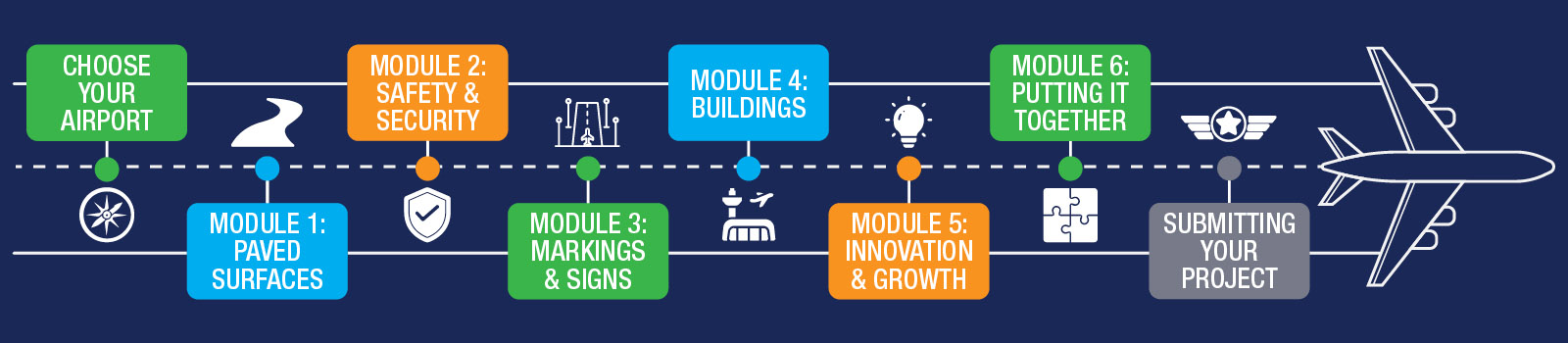
This is your time to show us what you made! You will give the judges a short tour of your airport.
We recommend spending about one week on this module.
You can only send your final project after you finish all the little checks for each section.
After all the fun we’ve had building and learning together, it’s time to show everyone your amazing airport!
This week, you will make a video to show the judges your airport. You can use a screen recorder or take pictures and put them in a slideshow.
Here’s what you need to do:
- Make a video of your airport. You can record your screen or make a slideshow with pictures.
- Your video should not be longer than 5 minutes.
- Upload your video to YouTube (you can make it unlisted if you would like!) and share with us the link via email with your name/team name at avsed.challenge@faa.gov.
- Talk in your video and tell us:
- What parts of the airport you made
- What you learned
- What makes your airport special
- What new ideas you added
- What you liked best about building your airport
- The best teams will earn the title of Worldwide Champions of the Airport Design Challenge!
Take a look at the rubric one more time before you do your final video!
| Score Range | Technical Accuracy | Creativity | Innovation | Presentation |
|---|---|---|---|---|
| 0-5 | Scale and dimensions are all wrong. Missing big parts of the airport. | Land around the airport is flat and doesn’t look like the land around the airport. Airport parts don’t look very creative. | No innovation ideas or technology on the airport. | Presentation does not have the airport’s use, size, history, etc. included. |
| 6-10 | Some items are to scale and correct. Missing small parts of the airport. | Land around the airport is there but not custom to the airport the student built. Some parts of the project show creativity with design and decorating. | Some innovation ideas or technology on the airport but it’s hard to notice. | 5 minutes long (+/- 3 minutes), little or no voice over or subtitles, little view of airport parts. |
| 11-15 | Most items are correct and to scale. All required parts of the airport are there. | The land around the airport is like the land at the real airport. Airport parts are easy to see and identify. | Some innovation ideas or technology on the airport but it may not all fit well. | 5 minutes long (+/- 2 minutes), with voice over or subtitles, shows more than half of the airport but may not explain factors like operation, history, and how the airport works. |
| 16-20 | All parts of the airport are there, correct, and to scale. | Land around the airport and all airport parts show a lot of effort, detail, and creativity. | Project has innovation ideas or technology, they’re easy to see, and they fit the airport well. | 5 minutes long (+/- 1 minute), is narrated, creative, and shows the viewer the whole airport and how it works. |
Remember, your airport doesn’t have to be totally finished. Show us what you have made and be proud of your work!
Everyone who turns in a final project will receive a certificate and recognition for participating in the Airport Design Challenge.
Download the Putting It All Together Workbook (K-6) and complete the Airport Knowledge Post-Test. Take a moment to reflect on everything you have learned throughout the challenge.
Before recording, plan your video tour:
- Decide who will narrate the video.
- Identify the key features you want to highlight.
- Make any final adjustments to your airport model.
- Practice your timing so your video stays within the five-minute limit.
There are many ways for you to record your screen and to include your voice while recording your airport tour.
You may use whatever programs and tools you have, but your final deliverable will require you to post a video to YouTube, which includes all of the requirements mentioned above.
Here are a few resources to help:
Want to be inspired by winning airports from past years? Check out our Finalist Spotlight and meet our winners!
When you are ready to submit, visit the Submitting Your Final Project page for step-by-step instructions on how to turn in your video. You’ll earn your final wings when you’ve submitted!