


Airport Design Challenge (7-12): Module 2
Runway Safety Areas, Approaches & Perimeter Fencing
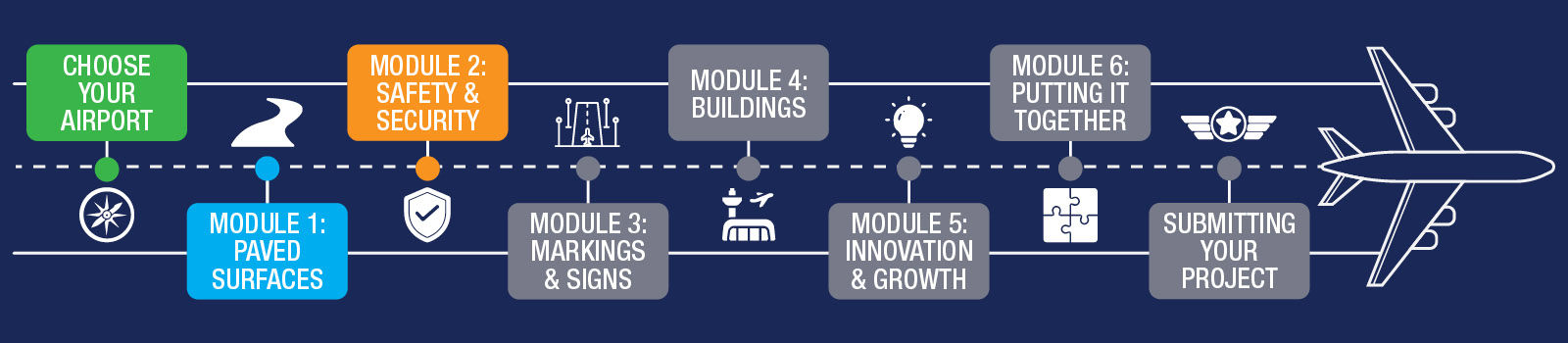
Module 2 provides a brief transition after the detailed work is completed on paved surfaces. In this module, you will build a perimeter fence around your airport, including gates that allow authorized vehicles and personnel to enter. You will also ensure that there are no obstructions near the ends of your runways that could affect safe aircraft operations.
We recommend spending about one week on this module.
To get an overview of Runway Safety Areas and Measures, and what to look forward to during Module 2, watch this short overview video!
Before you begin, download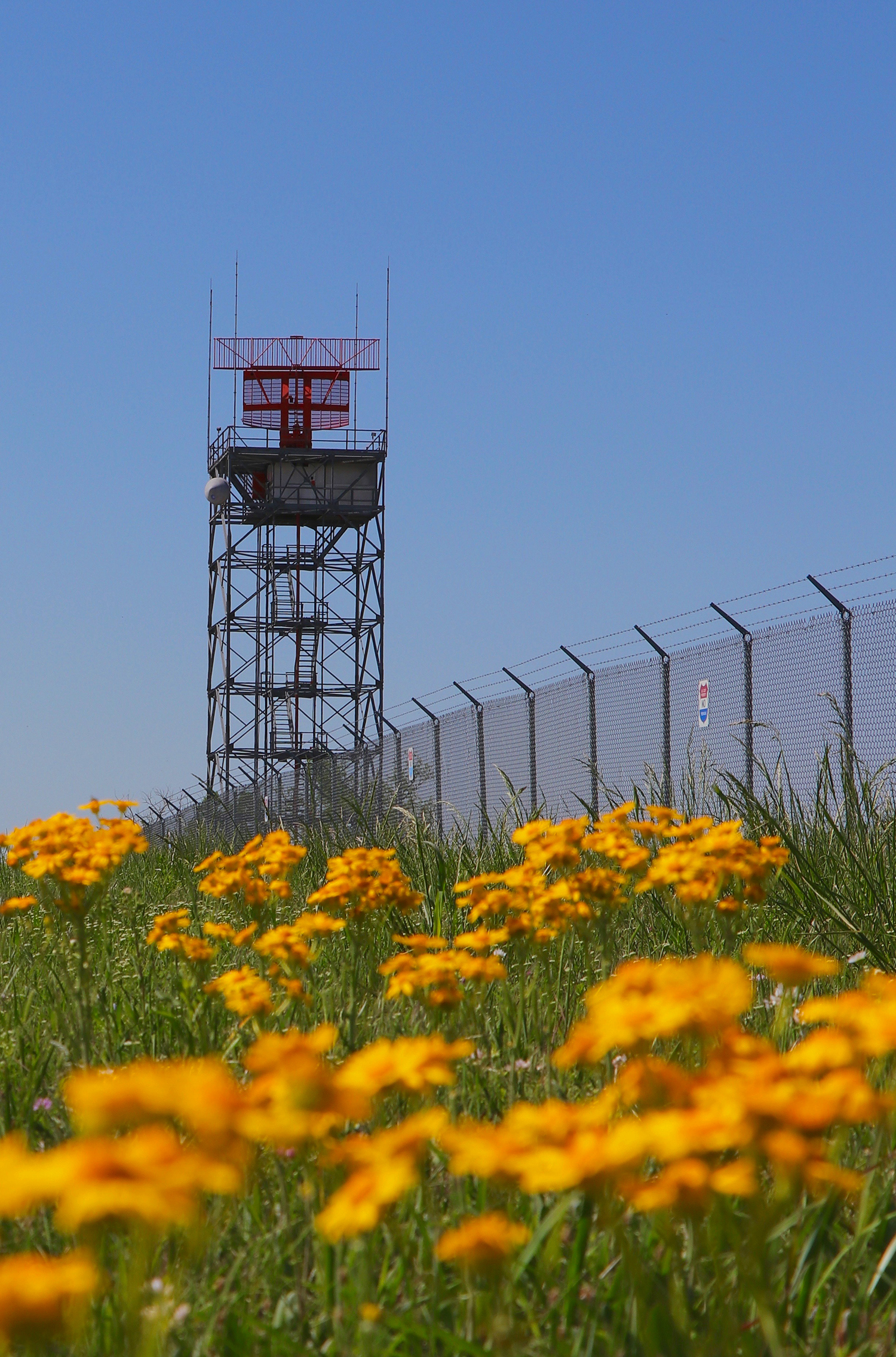 the Safety Areas Workbook. It includes the Module 2 quiz and serves as a helpful reference throughout this module.
By the end of this module, you will complete:
- Airport Security activity
- Airport Layout Plan (ALP) – Part 2
- Module 2 quiz (in the Safety Areas Workbook)
- Build your safety features in Minecraft
Learning Objectives:
By the end of this module, you will be able to:
- Identify what a runway safety area (RSA) is and explain its purpose
- Recognize common obstructions to runway approaches and describe how they can be mitigated
- Identify the types of fencing used at your airport and explain why access control is important
Airport Development Tasks:
- Clear your RSA and approach areas of any obstructions. Ensure there is ample space around your runways to support safe aircraft operations.
- Build a perimeter fence around your airport, including vehicle access gates where appropriate.
As you build, refer to the information on this page and in the Safety Areas Workbook.
By now, you should have a good understanding of the size and layout of your airport. All paved surfaces should be completed before moving forward so you can accurately place safety features introduced in this module.
If you have not completed the earlier tasks, finish those before continuing.
Now that your runways, taxiways, and aprons are established, it is time to create safe operating space around the airport.
Runways have imaginary surfaces that support safe aircraft operations. In this module, you will learn about runway safety areas (RSAs) and aircraft approach surfaces. In Minecraft, you will clear any terrain obstacles from these areas on your map.
Wildlife can also create hazards for aircraft operations. Building a perimeter fence helps reduce wildlife risks and unauthorized access.
A runway safety area (RSA) is a defined space surrounding a runway that helps reduce the risk of damage if an aircraft undershoots, overshoots, or experiences an incident on the runway. RSAs vary in length and width depending on airport size, available land, and aircraft types.
It is important to maintain clear space around your runways, especially at each runway end.
As an aircraft approaches an 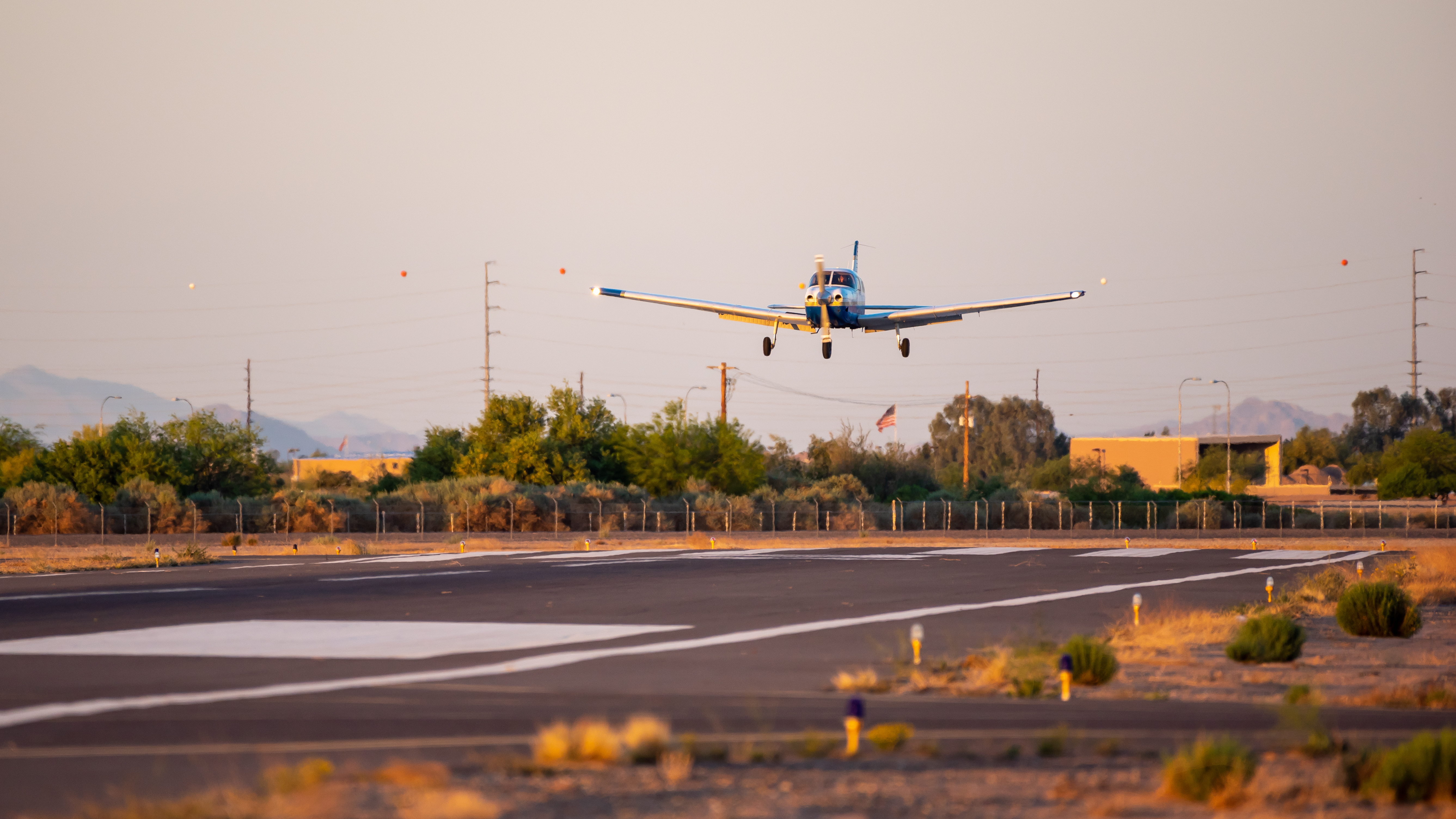 airport, it follows an invisible path called an approach surface. The approach surface begins at the end of the runway and extends outward and upward at a consistent angle.
Approach areas should remain clear of obstructions that could interfere with safe landings and takeoffs.
Although you will not build approach surfaces directly in Minecraft, ensure that no terrain features or structures interfere with these areas. Obstructions may be natural (such as hills or trees) or man-made (such as buildings or towers).
FAA Technical Operations employees maintain critical airport systems, navigation equipment, and infrastructure that support safe flight operations. Watch the video below to learn more about this career field.
FAA's From the Flight Deck video series shows real runway approaches and taxi operations using cockpit-mounted cameras, combined with diagrams and visual graphics that highlight hot spots and other safety-sensitive areas.
Students in the Airport Design Challenge can use these videos to gain a better understanding of how airports look and operate from a pilot’s perspective.
Watch this example video featuring San Antonio International Airport (SAT) in Texas.
Research how your airport 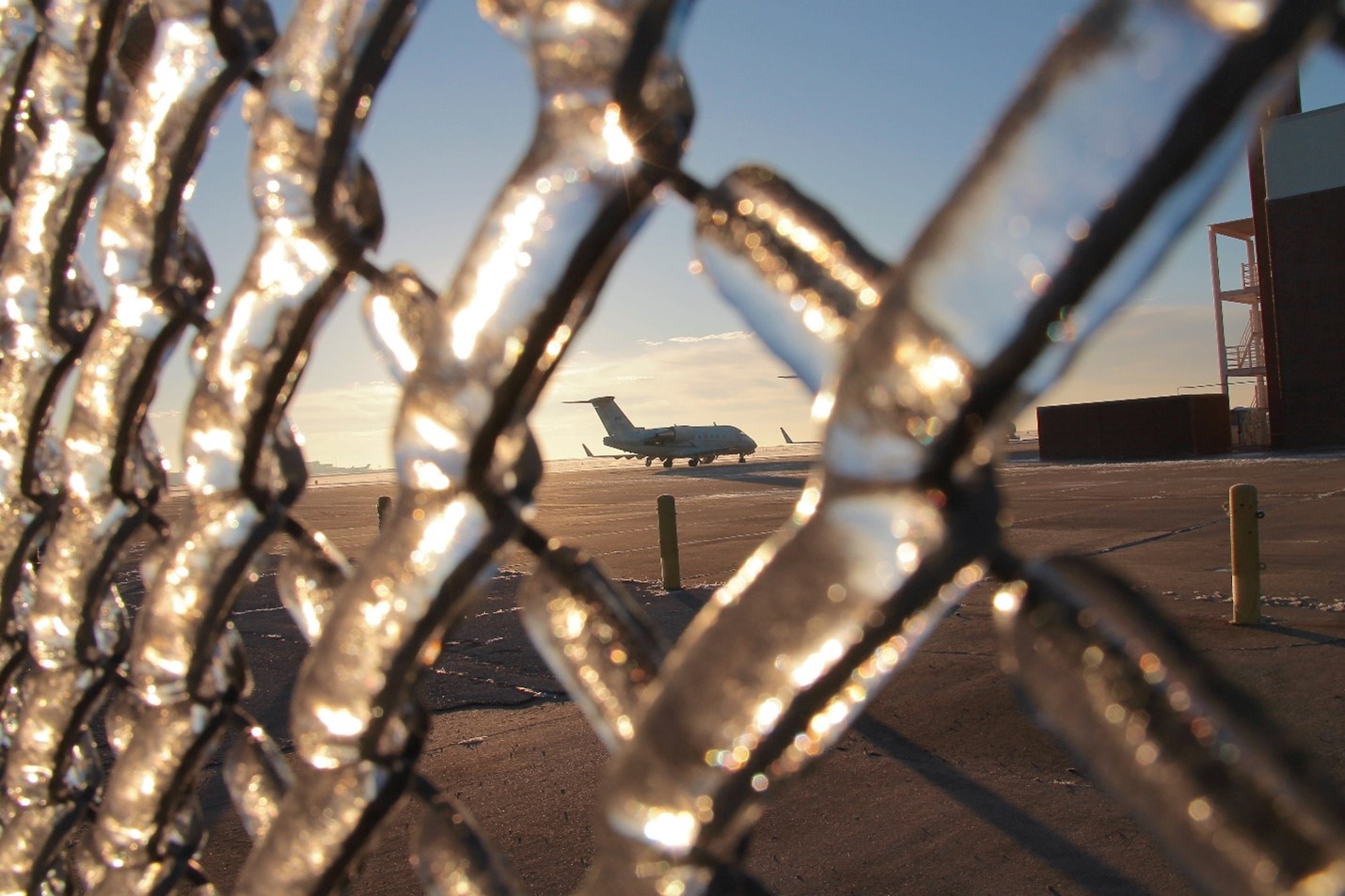 maintains airfield security. Identify who is responsible for maintaining fences, gates, and access control. Determine whether security is handled by one individual or a team.
Important: If you are modeling a commercial service airport, do not confuse airfield security with the Transportation Security Administration (TSA). TSA personnel focus on passenger screening inside terminals. This activity focuses on airfield security and perimeter protection.
Write a short paragraph (up to 300 words) explaining how your airport maintains security, including staffing roles and procedures.
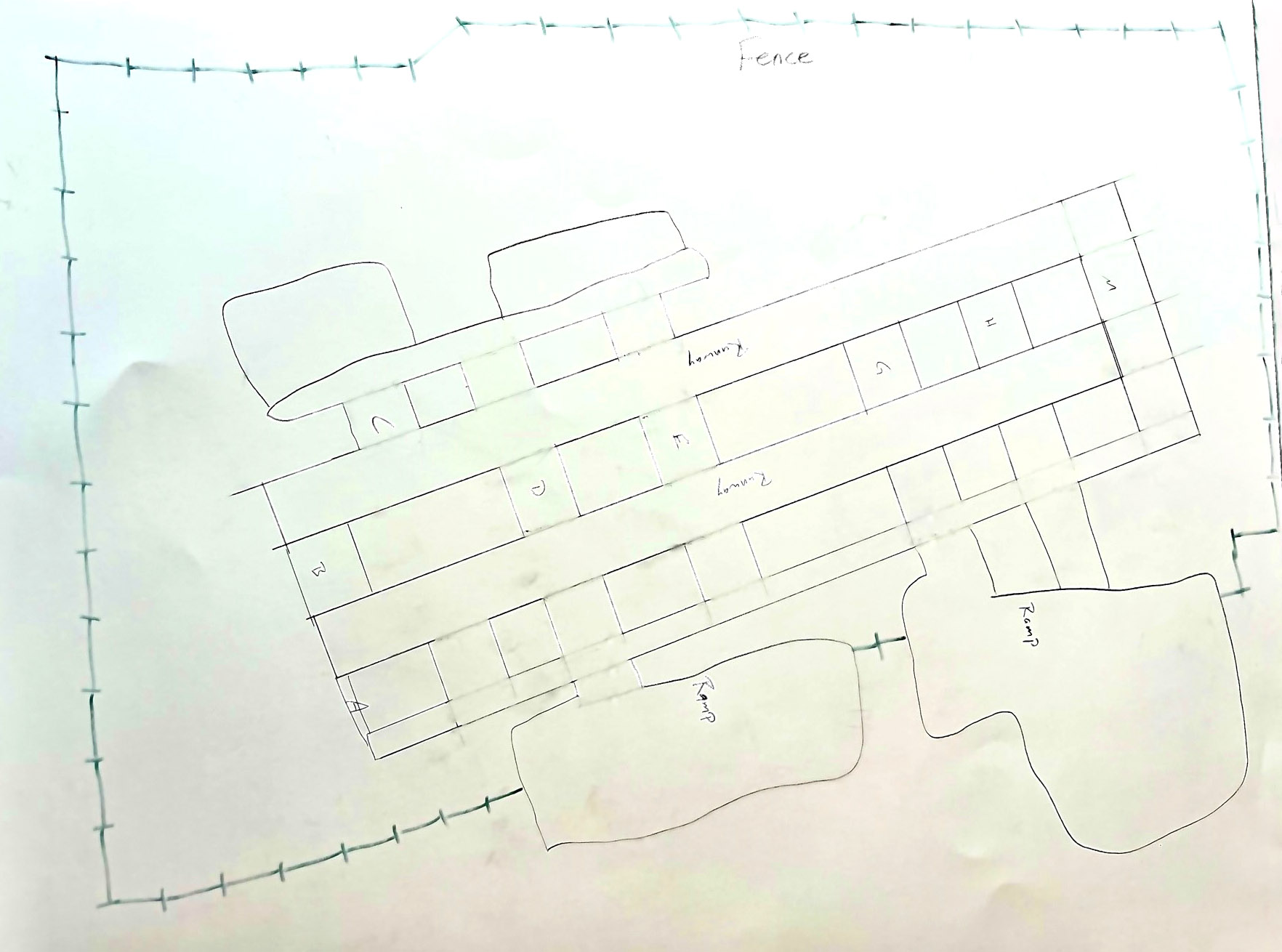
Next, update your hand-drawn Airport Layout Plan (ALP) to include:
- Obstruction areas
- Perimeter fence locations
- Access gates
Example:
- Runway Safety Areas (Video): Overview of RSAs and how the FAA addresses limited runway safety areas.
- Runway Safety Areas (Video): Recent FAA practices supporting runway safety improvements.
- Airport Imaginary Surfaces (Video): Diagrams and explanations of imaginary surfaces and how they apply to airport operations.
- Runway Safety “From the Flight Deck”: Pilot perspectives on runway approaches and potential hazards.
- Wildlife Management: How airports manage wildlife risks.
- Google Earth & Google Maps: Helpful for aerial views and understanding airport layout.
Here are your wings for completing Module 2! Click the image below to download.
Finished with your Workbook and ready to move on? Next up is Module 3 – Markings, Lighting & Signs!