


Airport Design Challenge (7-12): Module 4
Airport Buildings
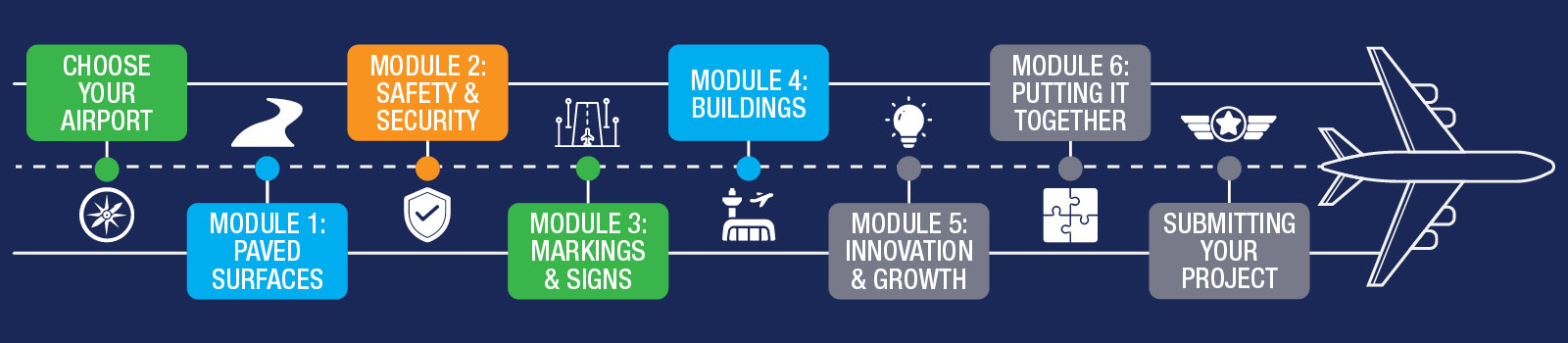
In Module 4, you will begin adding buildings to your airport. Some airports have many buildings, while others have only a few. Each building serves a unique purpose, so pay close attention to how each one looks and functions in real life as you recreate it in Minecraft.
During this module, you will also indicate whether you are working individually or as part of a group. We recommend spending about two weeks on this module.
To get an overview of airport buildings and what to expect during Module 4, watch the short overview video below.
Before you begin, download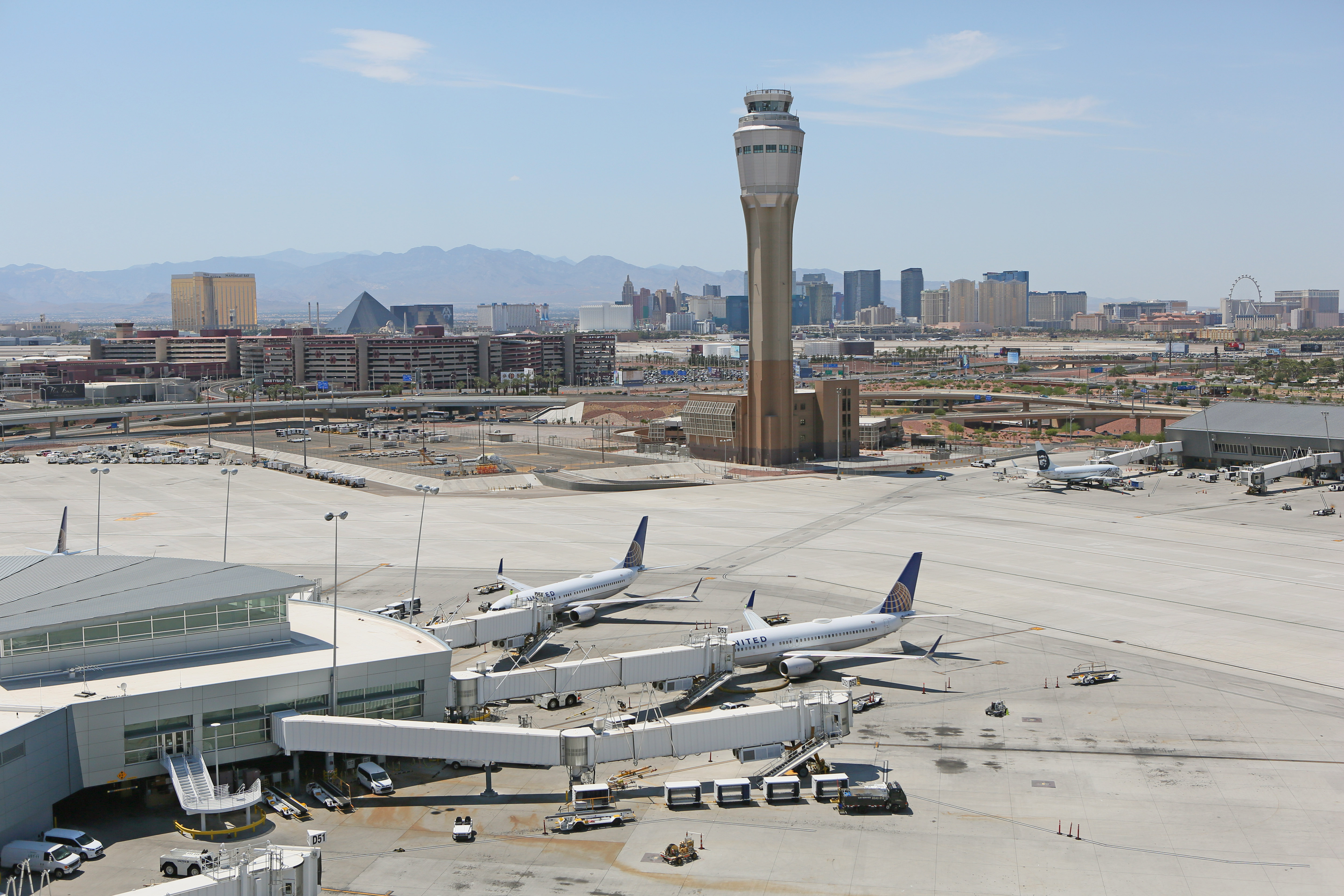 the Airport Buildings Workbook. It includes the Module 4 quiz and serves as a helpful reference throughout this module.
By the end of this module, you will complete:
- Airport Buildings Assignment
- Airport Layout Plan - Part 4
- Module 4 Quiz (can be found in the Airport Buildings Workbook)
- Add airport buildings to your airport in Minecraft
Airport buildings, fuel farms, and other structural details take time to build accurately. Use this module to focus on refining those details.
Tip: If possible, consider visiting your airport (with a parent, guardian, or teacher) to better understand how the buildings are arranged and how they look in real life.
Airports are busy environments with many different types of buildings. Smaller airports may only need basic facilities such as hangars and a small terminal, while larger airports may include parking structures, control towers, restaurants, or retail spaces. In this module, you will explore what types of buildings exist at your airport and how they support airport operations.
Airport buildings vary depending on the size, type, and function of the airport. At a minimum, your model should include a terminal building, hangars, and a control tower (if one exists at your airport). For an added challenge, explore aircraft rescue and firefighting (ARFF) facilities, fixed base operators (FBOs), and fuel farms.
Learning Objectives:
By the end of this module, you will be able to:
- Identify the types of buildings at your airport and explain their functions
- Describe any restrictions on where buildings may be located
- Identify potential future buildings your airport may need
Airport Development Tasks:
- Research what buildings exist at your airport
- Build the main airport buildings in your Minecraft model.
As you build, refer to the information on this page and in the Airport Buildings Workbook.
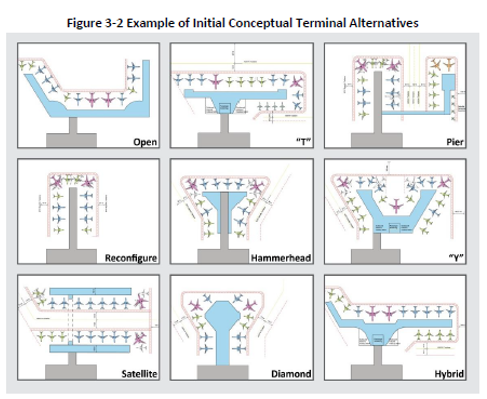
An airport terminal separates the landside of the airport (where passengers park, check in, and move through the terminal) from the airside (where aircraft operate). Terminals can be large or small depending on the needs of the airport, but most airports have some type of terminal to support passenger operations.
Terminal designs vary widely. Small local airports may have simple terminals, while large commercial airports may include multiple terminals with complex layouts. Identify what type of terminal exists at your airport.
Aircraft hangars are large structures 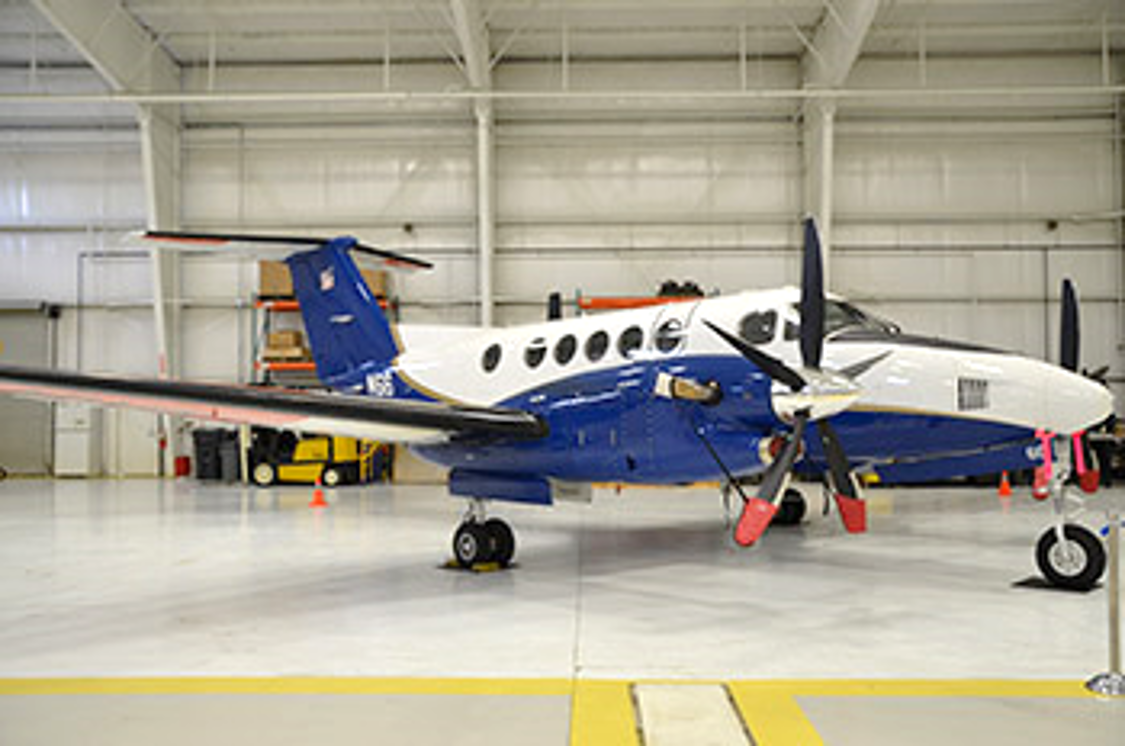 used to store, maintain, and repair aircraft between flights. Some hangars also include office space for pilots and maintenance staff.
When hangars are not available, aircraft may be secured using tie-downs, which anchor the airplane to the ground during wind or storms. Tie-downs do not provide the same level of protection as a hangar, but they are commonly used at many airports
Air traffic controllers work in towers that are strategically located to provide visibility of aircraft operations on the ground and in nearby airspace. Tower size and design vary depending on the airport.
Not all airports have control towers. At non-towered airports, pilots communicate with one another using their radios and follow standard traffic procedures. Determine whether your airport has a control tower.

Fuel farms store aviation fuel in large tanks. Fuel trucks then transport the fuel to aircraft for refueling. Fuel farm size and layout vary depending on airport size and aircraft demand. Research how fueling operates at your airport.
FAA's From the Flight Deck video series shows real runway approaches and taxi operations using cockpit-mounted cameras, combined with diagrams and visual graphics that highlight hot spots and other safety-sensitive areas.
Students in the Airport Design Challenge can use these videos to better understand how airports look and operate from a pilot’s perspective.
Watch this example video featuring Richard Lloyd Jones Jr. Airport (RVS) in Tulsa, Oklahoma.
Airports contain many unique buildings and facilities. If possible, visit your airport with a parent, guardian, or teacher and take photos of major buildings or landmarks. Select three to five photos and write brief descriptions of what each building is used for.
Use these photos to help add realistic details to your Minecraft airport.
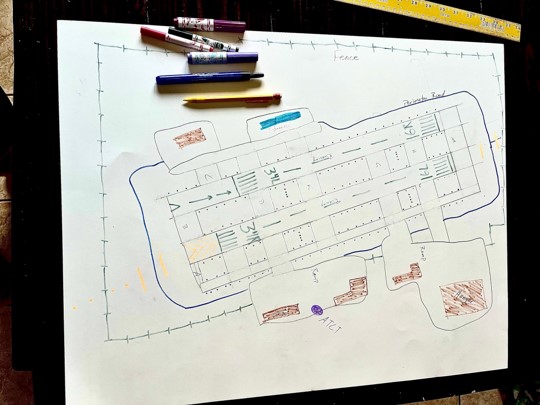
Next, update your hand-drawn Airport Layout Plan (ALP) by adding the major buildings. Pay attention to building size, placement, and purpose.
When complete, take a clear photo of your drawing and email it to avsed.challenge@faa.gov. Include your name (or team name) and airport in the subject line.
Example:
- Kids' First Flight (Video): Parents! Help your little ones prepare for their first flight on an airplane!
- Airport Terminals (Article): Check out this page for excellent examples of terminals, why we have them, and how different terminals are used.
- Airport Hangars (Video): What Is a Hangar In an Airport? In this informative video, we’ll break down the concept of a hangar and its essential role in aviation.
- Air Traffic Control Towers (Video): Are you interested in air traffic control? This video tours a tower and will tell you all about them!
- Aircraft Rescue and Fire Fighting (ARFF) (Video): One other building that you may find on your airport is a fire station! These special stations are known as ARFF and provide specially trained fire fighters to help in case of an aircraft accident.
- Google Earth & Google Maps: Helpful for aerial views and understanding airport layout.
Here are your wings for completing Module 4! Click the image below to download.

Finished with your Workbook and ready to move on? Next up is Module 5 – Innovation & Growth!